How to Choose the Best Plastic Granulator Blades for Efficient Recycling
Posted on
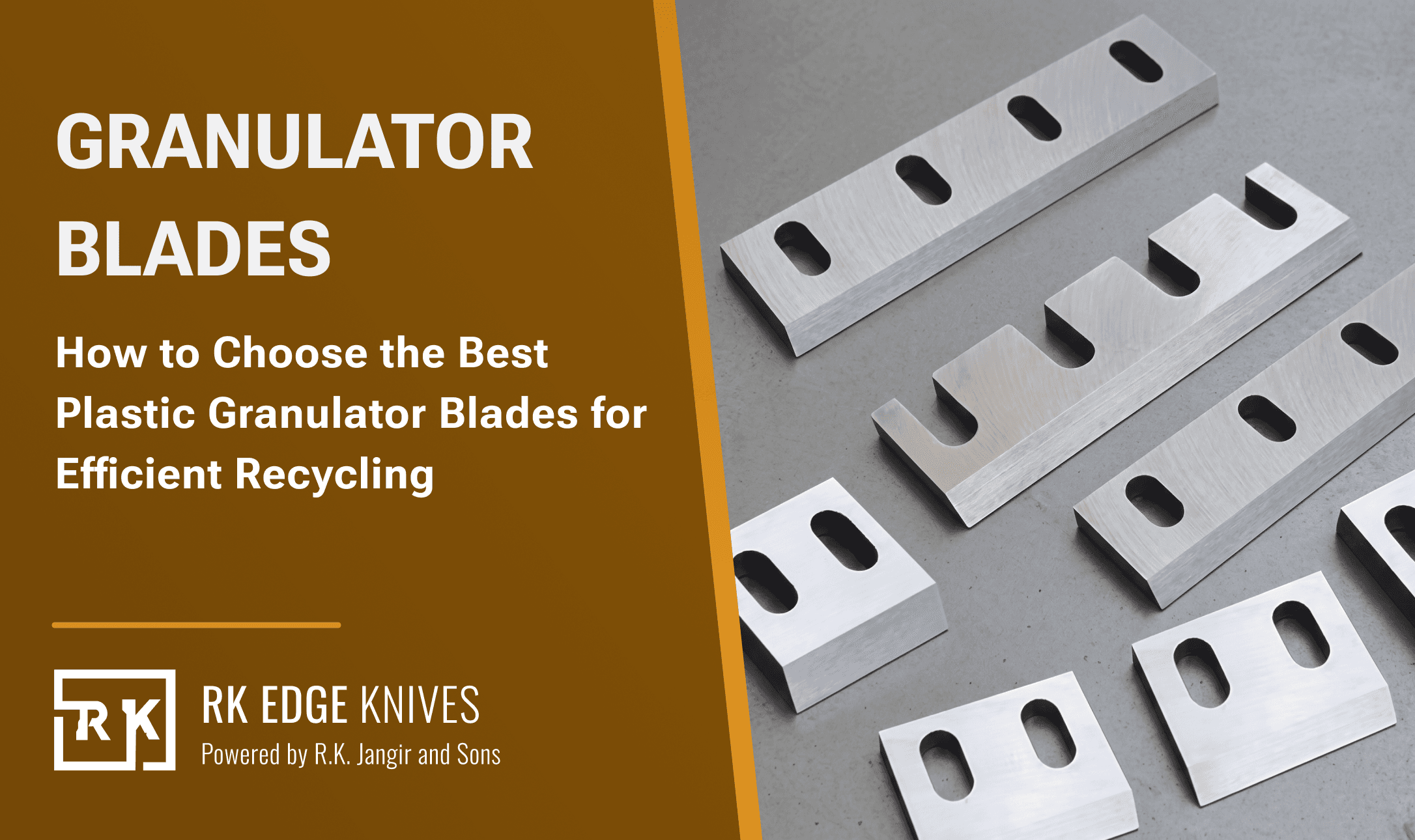
In plastic recycling and injection molding operations, granulator blades are among the most critical components on the production floor. The wrong blade choice leads to uneven granules, excessive dust, higher energy consumption, and costly downtime. Choosing the right blade — matched to your plastic type, machine, and production requirements — directly impacts your operation's efficiency and profitability.
What Are Plastic Granulator Blades?
Plastic granulator blades are industrial cutting tools mounted on a rotating rotor, working with a stationary bed knife to create a scissor-like cutting action that reduces plastic waste into consistent, reusable granules.
Unlike shredder blades — which produce rough, irregular pieces for fast volume reduction — granulator blades are engineered for precision, delivering controlled particle size and consistent output for downstream processing.
Feature | Granulator Blades | Shredder Blades |
|---|---|---|
Particle Size | Small, uniform granules | Irregular, rough pieces |
Throughput | Controlled, precise | High volume, fast |
Output Control | Precise, screen-controlled | Limited uniformity |
Blade Design and Geometry
A well-designed blade creates a true scissor cut — not a crushing or tearing action. Geometry directly affects particle quality, energy use, and throughput.
Staggered Blades — Blades take turns cutting, distributing load evenly. Ideal for thick or tough plastics with less energy consumption.
Teeth Blades — Jagged edges grab and slice plastic for uniform granules with less dust. Effective for PET, HDPE, and engineering plastics.
Paddle Blades — V-type cutting for gradual granulation of large housings and bulky plastic parts.
Open Rotor Design — Allows airflow through the cutting area, cooling blades and producing cleaner granules.
Cutting Angle — A medium hook angle of 20–30° suits most applications. Film needs a sharper angle; thick purgings need a more robust edge.
Matching Blade Material to Your Plastic Type
Plastic Type | Recommended Material | Why |
|---|---|---|
Soft Film (LDPE, LLDPE) | D2 / SKD-11 (HRC 58–62) | Maintains keen edge, resists adhesive residue |
Rigid Plastics (HDPE, PP, ABS) | Through-hardened Alloy Steel (HRC 56–60) | Toughness for thick-walled parts |
Engineering Plastics (Nylon, PC, POM) | HSS or Surface-Coated Steel | Handles high cutting forces, reduces heat |
Glass/Mineral-Filled Plastics | Tungsten Carbide or High-Vanadium Steel | Extreme wear resistance against abrasive fillers |
Post-Consumer Mixed Waste | Impact-Resistant Steel (H13 Modified) | Handles contaminants without chipping |
Steel Grades Used in Granulator Blades
Steel Type | Hardness (HRC) | Key Characteristic |
|---|---|---|
D2 Steel | Up to 59 | Good wear resistance, can brittle if over-hardened |
Alloy Tool Steel | Varies | Improved toughness through alloying |
Lescowear Steel | 60–62 | High wear resistance with impact toughness |
HSS | 60–65 | Ideal for high-speed, high-heat cutting |
Tungsten Carbide | 70+ | Maximum wear resistance for abrasive plastics |
Precision Manufacturing
Even the best blade material performs poorly without tight manufacturing tolerances. Granulator blades must be CNC-ground for exact flatness, parallelism, and dimensional accuracy matching the machine's rotor geometry.
A poorly fitted blade causes rotor imbalance, vibration, uneven wear, and premature failure. Blade-to-bed knife clearance must be set to microns — too wide produces stringy tails and fines, too narrow risks blade contact and damage.
Maintenance Best Practices
Regular Inspection — Check for edge dulling, nicks, and uneven wear. Listen for unusual sounds or vibration during operation.
Timely Sharpening — For heavy-duty use, sharpen every 8–12 hours. For lighter work, weekly or fortnightly. Always use coolant to prevent annealing the edge.
Blade Rotation — Rotate blade positions on multi-blade rotors to distribute wear evenly across the full set.
Bed Knife Maintenance — Inspect and service the bed knife concurrently — a worn bed knife accelerates rotor blade wear significantly.
Replacement Signs — Replace when cracks, chips, or excessive wear cannot be corrected by sharpening, or when fines and uneven granules persist.
Material | Maintenance Requirement |
|---|---|
Glass-Filled Nylon | Sharpen more frequently |
PET | Check regularly for unique wear patterns |
HDPE | Monitor for material buildup on blade surface |
LDPE / PP | Clean frequently to prevent adhesion |
How Blade Performance Impacts Efficiency
Energy Consumption — Dull blades increase energy use by 15–25% per cycle and generate heat that degrades heat-sensitive plastics.
Granule Quality — Sharp blades produce consistent granule size critical for injection molding and extrusion.
Production Output — High-performance blades can increase output by 15–30% compared to blades operating past their service life.
Conclusion
Selecting the right plastic granulator blades directly impacts recycling efficiency, product quality, and profitability. Match blade material to your feedstock, optimize geometry for clean cuts, ensure precision machine fit, and follow a proactive maintenance schedule.
For precision-engineered plastic granulator blades built for high-performance recycling operations, connect with RK Edge Knives — manufactured using premium tool steels with advanced heat treatment and CNC precision grinding tailored to your production requirements.
Frequently Asked Questions
How do I draw Frames?
To draw a Frame, click on Layout in the Toolbar, then select Frame. Now, you can click and drag anywhere on the Canvas.
How do I add images?
To add an image, select any Frame, and either double-click on it, or go to the Fill property. In the Fill property, switch to the image icon. Here, you can upload images.
How do I add videos?
To add a video to your site, click the “Insert” button and navigate to the “Media” section. Then, drag and drop a video component onto the Canvas.
How do I add videos?
To add a video to your site, click the “Insert” button and navigate to the “Media” section. Then, drag and drop a video component onto the Canvas.